Organisation Admin
The admin runs the organisation's setup in the web portal.
Your responsibilities
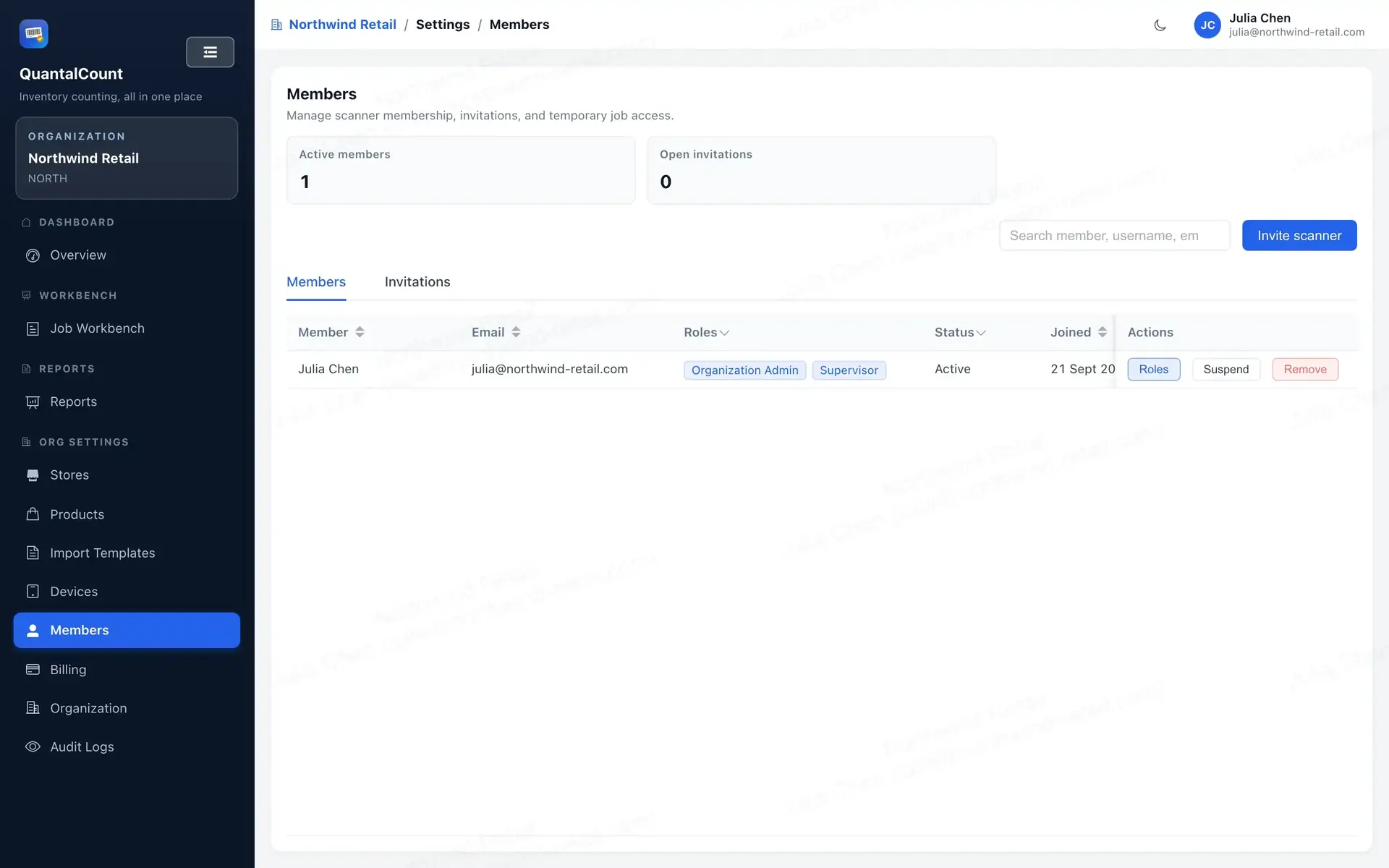
- Members — invite or import people and assign roles (Administrate → People). Someone can be both Supervisor and Admin, for example.
- Master data — sites, locations, devices, product catalogues and the product list.
- Import templates — set up the product and baseline templates (Design Templates → Import Templates). See the Import Guide.
- Inventories — create them, assign supervisors, and approve (that's when a licence is used). See Create and run an Inventory.
- Billing — the subscription, licence purchases and invoices (Administrate → Billing). See the Billing FAQ.
Things to keep in mind
- The Organisation ID is forever — pick it once, carefully.
- Approving uses one licence. The confirmation shows your balance first.
- Every product upload replaces the selected catalogue. Always upload the complete master file for that catalogue.
- Scheduled, Approved or Active Inventories can be cancelled only if no counting data or counting history has ever been accepted. Cancelling an eligible Approved or Active Inventory returns its licence; cancelling a Scheduled returns none.
A typical week
- Upload the latest product list.
- Create next week's Inventories and assign supervisors.
- Check that baselines are uploaded (supervisors do this), then approve Inventories.
- Keep an eye on the licence balance so nobody hits a payment prompt mid-week.